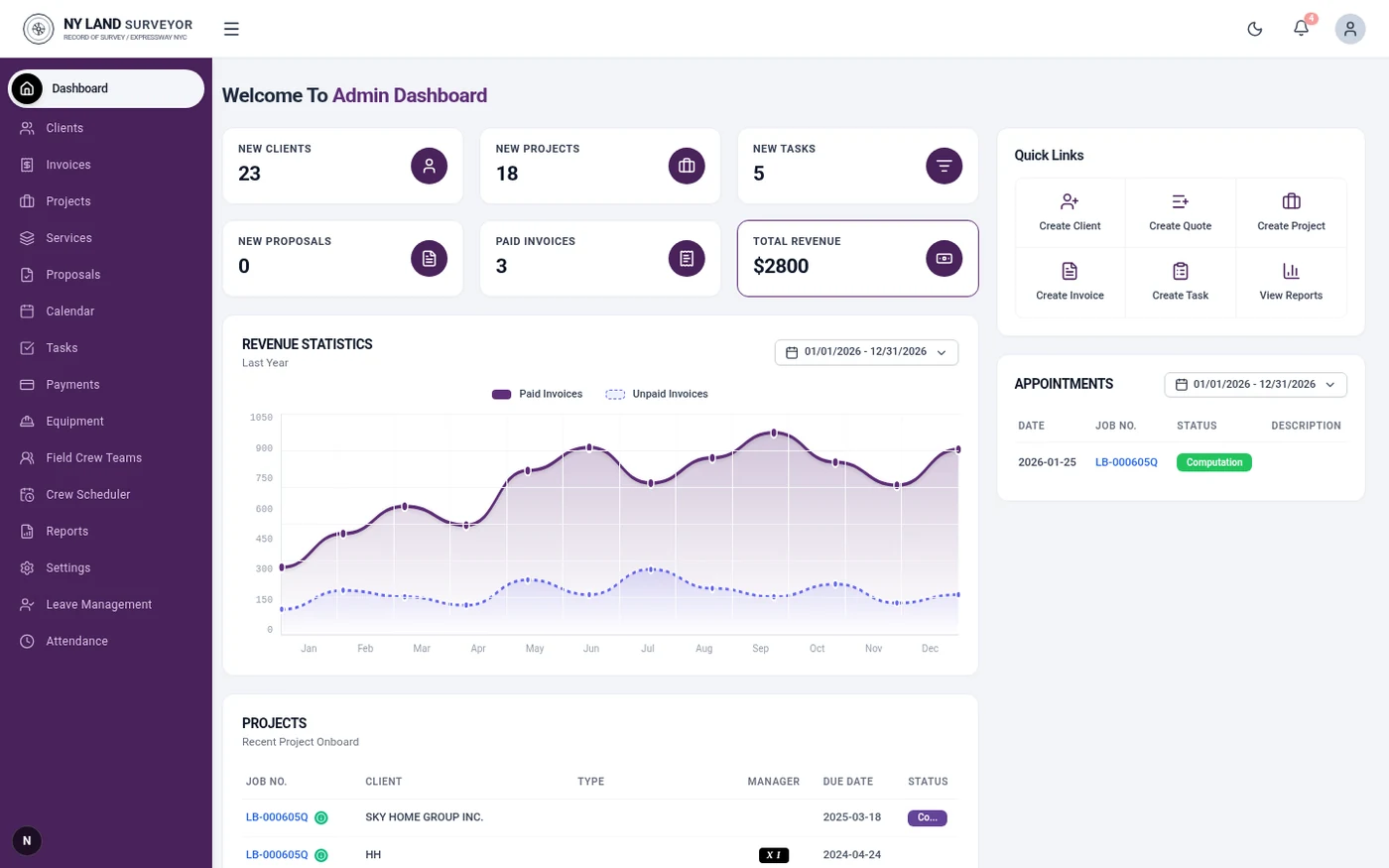
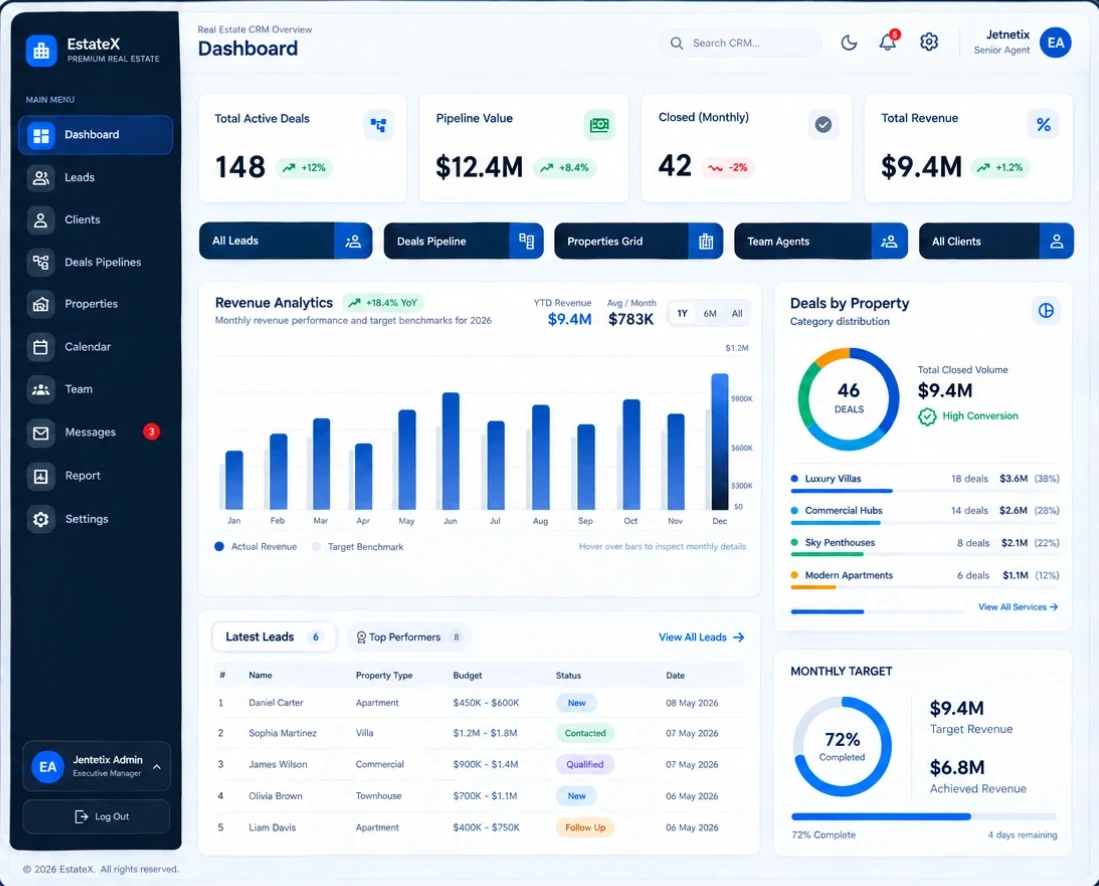
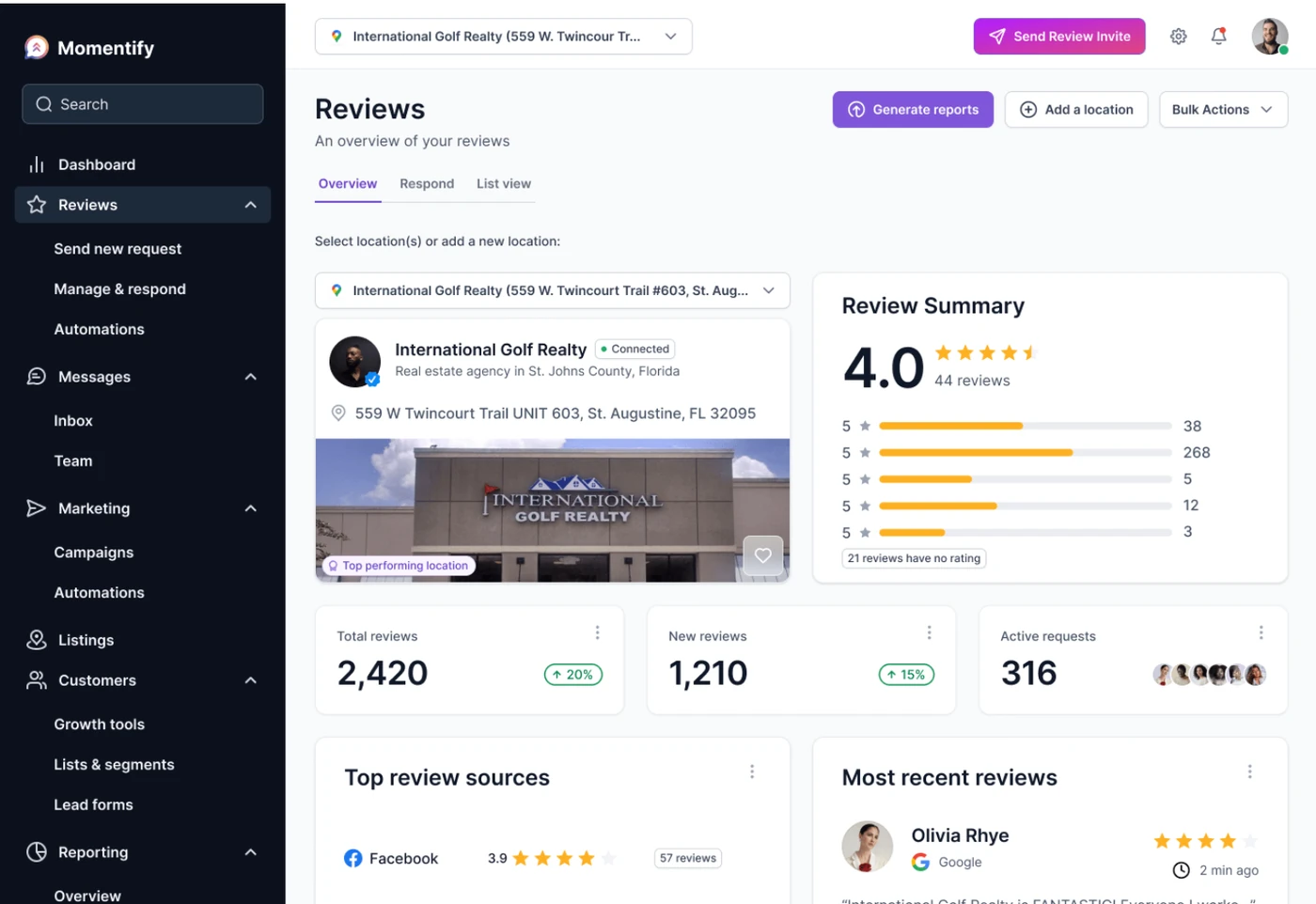
We connect the software your business already runs on, including your website, CRM, ERP, accounting, payments, scheduling and AI tools, so data moves between them automatically instead of being copied by hand.
Think1 Designs LLC is a San Antonio, Texas software development company that builds custom integrations between websites, CRMs, ERPs, accounting software, payment processors, AI services such as the OpenAI API, and everyday business apps. We use each system's official API or webhooks, add error handling and logging, document every connection, and support it after launch.
Common integrations
Most projects start with one painful handoff, such as website leads that are re-typed into a CRM, then grow from there.
Website forms to your CRM
Orders and invoices to accounting
Payments and subscriptions
Scheduling and calendar sync
Email and text notifications
AI summaries and drafting
No-code or custom code
Tools such as Zapier, Make and n8n are often the fastest, lowest-cost way to connect apps. When a workflow needs more volume, security or logic than those tools allow, we build a custom integration in code. We recommend the simplest option that will hold up.
Built to be maintained
Every integration we build comes with written documentation, logging and failure alerts, and it runs in accounts you own, so you are never locked in to us.
What's included
Integrations we build
From a single webhook to a multi-system sync, we plan, build, test, document and support each connection.
API integrations
Connect two or more systems through their APIs, with authentication, error handling and logging built in.
CRM & ERP connections
Sync leads, customers, orders and invoices between your website and systems such as HubSpot, Salesforce, QuickBooks or NetSuite.
Payments & checkout
Online payments, subscriptions and invoices through providers such as Stripe or Square, connected to your records.
OpenAI API & AI features
Summaries, drafting, classification and chat features built on the OpenAI API and connected to your own data.
Workflow automation
Zapier, Make or n8n workflows, or custom code when a no-code tool is not enough, to remove repetitive steps.
Webhooks & data sync
Real-time webhooks and scheduled syncs that keep records consistent, with alerts when something fails.
Example solutions
Sample integrations
Examples of integrations we can build. These are sample solutions, not client case studies.
Sample solution
Website leads straight into your CRM
Service businesses
Quote and contact forms create a contact and a deal in your CRM, assign an owner and send a text alert, so no lead waits in an inbox.
No re-typing of form submissions
Faster follow-up on new leads
Lead source tracked on every record
Sample solution
Orders synced to accounting
Online stores and distributors
Paid orders and refunds post to your accounting software automatically, with daily checks that flag anything that did not match.
Books that stay current
Fewer manual entry errors
A clear log of every sync
Sample solution
AI-assisted request triage
Support and operations teams
Incoming emails and form requests are summarized and categorized with the OpenAI API, then routed to the right person with a suggested reply for review.
Requests reach the right person
Drafts ready for human review
Less time sorting the inbox
The Think1 Process
6 simple steps from start to launch
The same clear process we use on every project, tailored to your integration project.
01
Step 01
Get started
Tell us which systems you use and where data is being copied by hand.
02
Step 02
Agreement
Agree on the integrations, data rules and success criteria in writing.
03
Step 03
Intake
Provide API access, test accounts and sample data for each system.
04
Step 04
Build
We build and test each connection in a safe test environment first.
05
Step 05
Review
You review real data flowing end to end before go-live.
06
Step 06
Launch
We launch, document every connection and monitor it after launch.
Most modern software with an API or webhooks, including CRMs, ERPs, accounting, payments, scheduling, email and text messaging, and AI services such as the OpenAI API. We confirm what each system supports during discovery before we commit to an approach.
If a no-code tool such as Zapier, Make or n8n can handle the volume and logic reliably, it is usually the fastest and cheapest option. We build custom integrations when you need more control, security, volume or custom rules.
You do. Integrations run in accounts and hosting you own, and we hand over the code and documentation.
We add logging and alerts so failures are caught quickly, and we can monitor and maintain integrations on an ongoing support plan.
Yes. We can build AI features on the OpenAI API that use your own documents or records, with access controls and human review where it matters.